[ Social media ]
Social media templates: how to stay consistent without looking repetitive
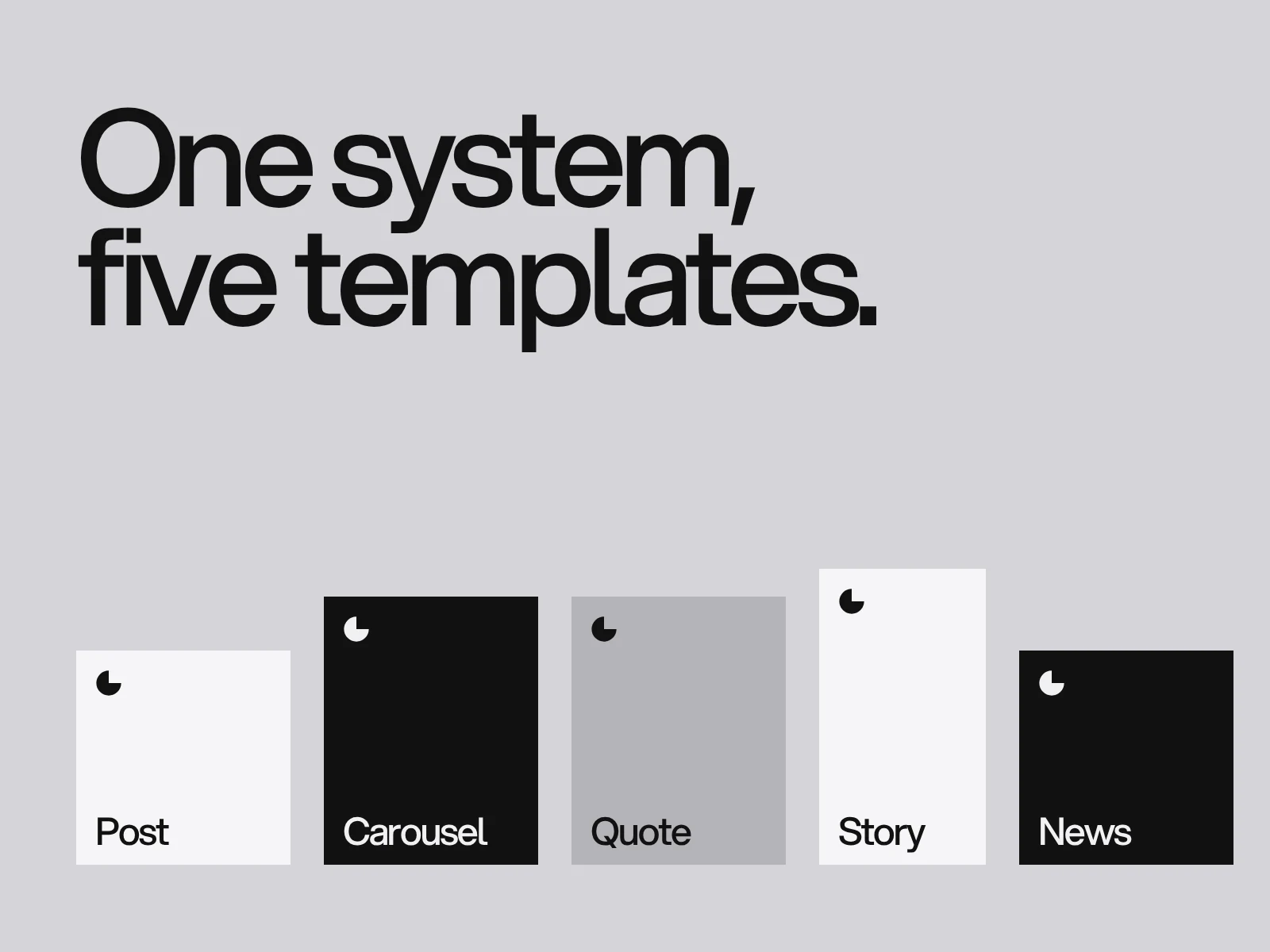
Social media templates work when they are a small system, not a folder of layouts: fixed rules for grid, colour, type, logo and image treatment, with flexible slots for the message. Start with five formats (post, carousel, quote or stat, announcement, story), make the text readable, give each one a clear job and refresh the system on a schedule so the feed stays recognisable without going stale.
By LAIN6 min read
Scroll past a brand you know and you can often tell who it is before you read the name. That is not luck. It is a social media system: a handful of repeatable rules for colour, type, layout and photography, applied to every post. Templates are how a team applies it quickly and correctly.
Why templates help
- Recognition. Repetition is how a feed becomes a brand. People learn what yours looks like.
- Speed. Starting from a template saves the time spent re-deciding the layout every time.
- Consistency across people. Whoever makes the post, it looks like yours.
- Quality control. Good spacing, contrast and type sizes are built in.
The risk is the opposite problem: a feed where every post is the same layout with different words. The solution is to design a system with range, not one template.
What belongs in the system
Before drawing a single post, set the rules that every template shares. They come from your brand guidelines and your colours and fonts.
- A grid. Margins and a column structure, so text and images always sit in the same places. Keep the important content away from the edges, because platforms crop and overlay interface elements.
- Colour rules. Which backgrounds are allowed, which colour is for emphasis, which pairs of text and background have enough contrast.
- A type ladder. Headline, supporting text, label and caption sizes, with limits on length.
- Logo placement. One or two fixed positions and a minimum size.
- Image treatment. How photographs are cropped, graded or framed. A consistent treatment ties very different pictures together.
- Graphic elements. A small set of shapes, lines, icons or patterns that recur.
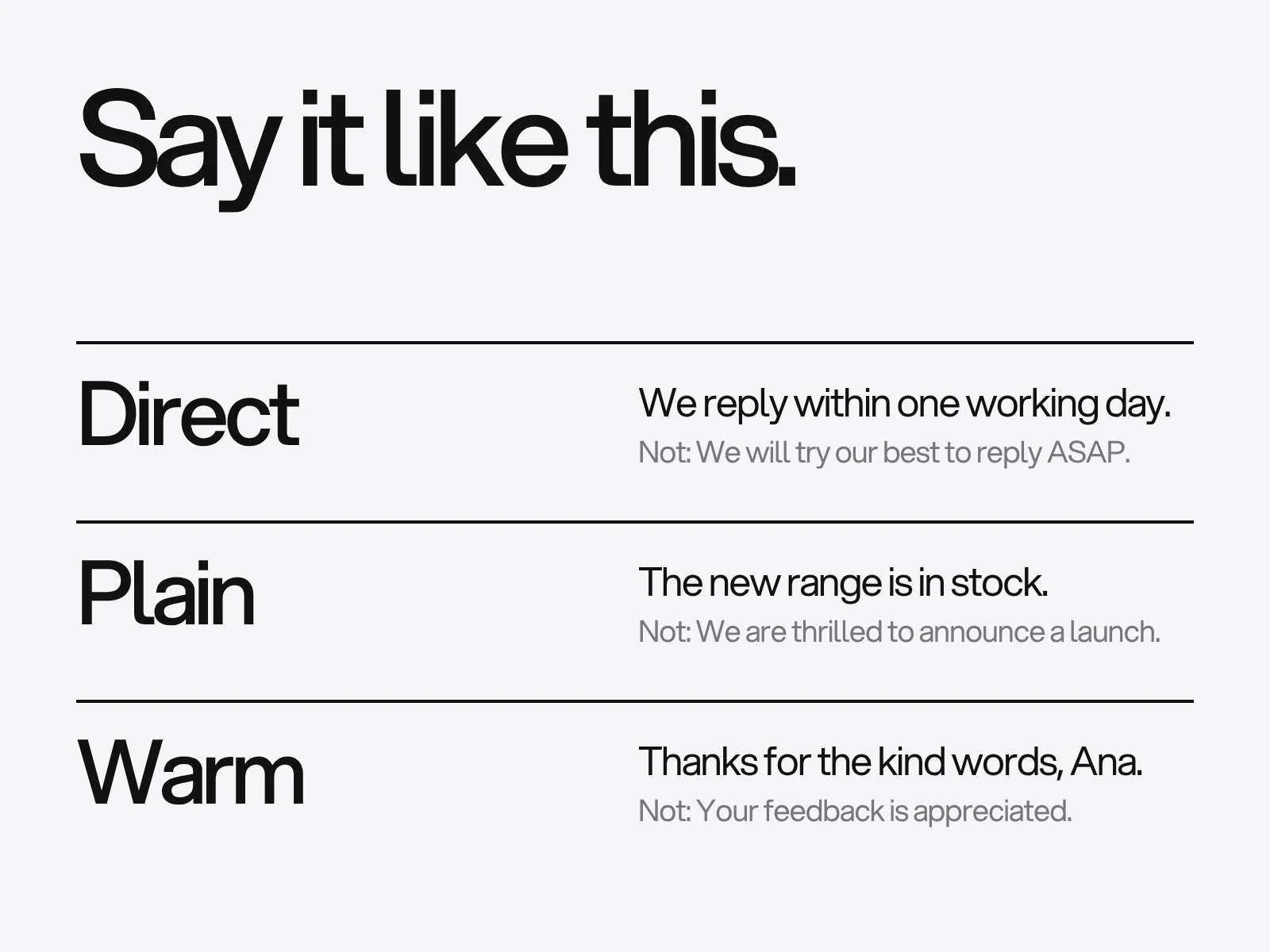
- Tone of voice. How headlines and captions sound.
The five templates to build first
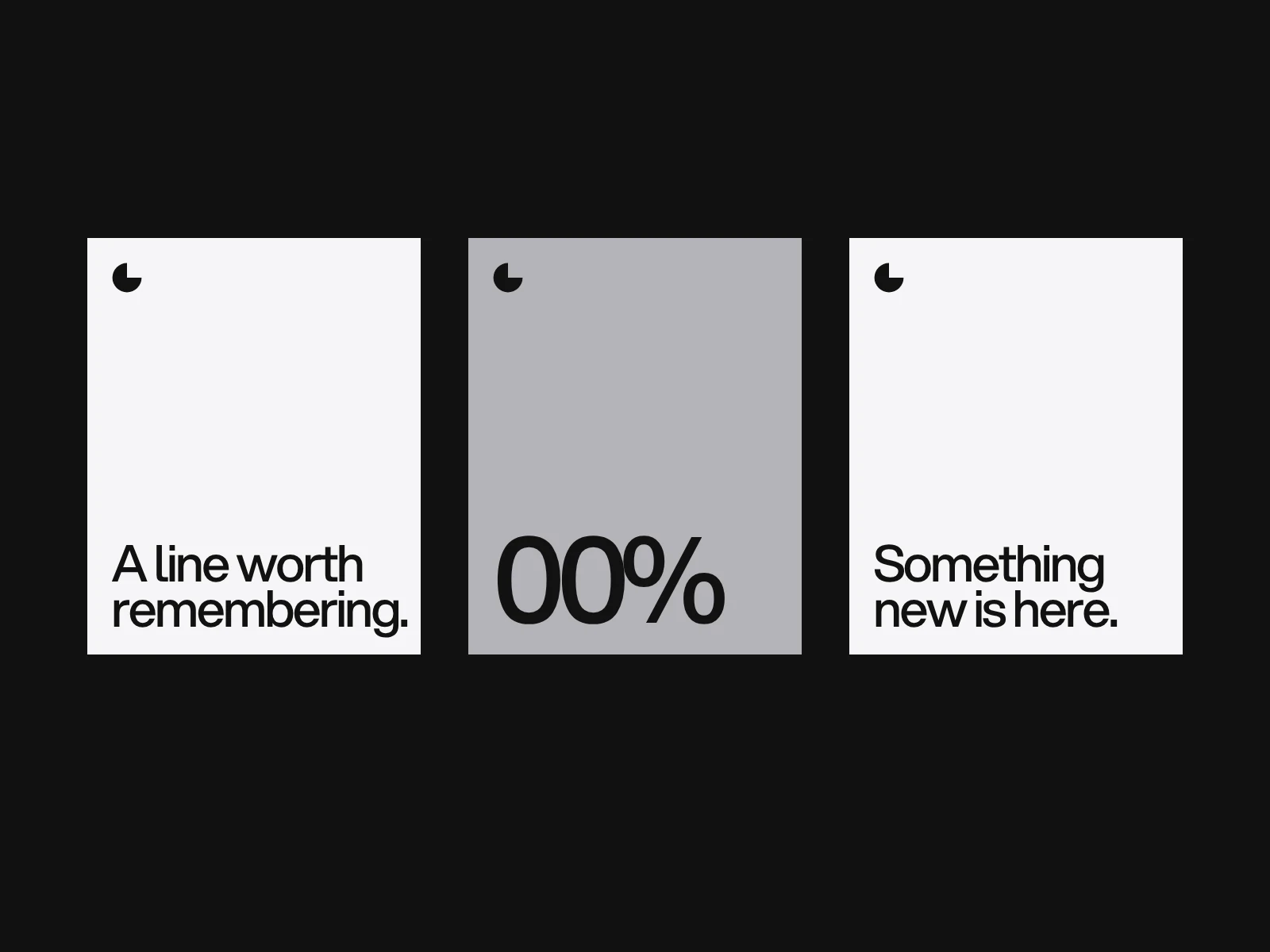
You do not need thirty. Five well-designed formats cover most of what a brand posts:
| Template | Job | Tips |
|---|---|---|
| Image post | Show a product, a place or a piece of work | Let the picture lead; keep text short and in a fixed zone |
| Carousel | Teach or tell a story over several slides | See the carousel design guide |
| Quote or key fact | Pull out one line or one number | Large type, lots of space, the number is the hero |
| Announcement | News, launches, events, offers | A clear date or call to action, same position every time |
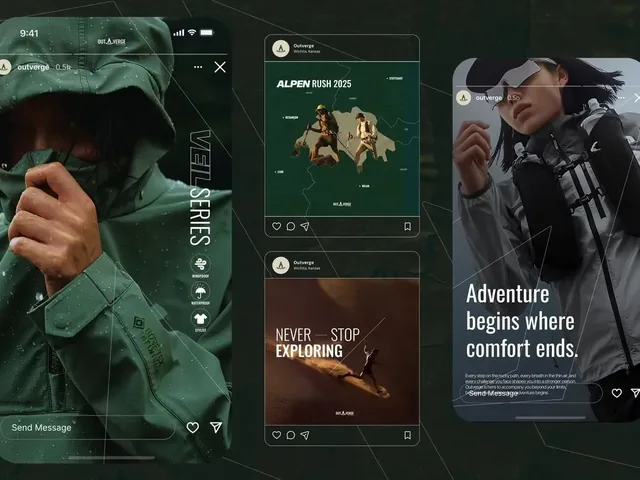
| Story | Quick, vertical, often temporary | Keep text away from the top and bottom, where interface elements sit |
Add a highlight cover set and a profile avatar once these are working. The profile design guide covers them.
Give each template flexible slots
A good template defines what is fixed and what can change.
- Fixed: grid, logo position, type styles, brand colours, graphic elements.
- Flexible: the image, the words, the accent colour within an approved set, the layout variant.
Offering two or three variants of each format, for example a light, a dark and an accent version, gives a team variety without breaking the rules.
Make them readable and accessible
Many social posts fail the basics:
- Contrast. Text on a photograph needs a scrim, a solid panel or a darker image so it can be read. Aim for at least 4.5:1 for body text, as the web standard WCAG asks.
- Text size. Most people view posts on a phone. If it cannot be read at a glance on a small screen, it is too small.
- Do not rely on colour alone to carry meaning.
- Write alt text for images where the platform allows it, and put the key message in the caption as well as on the image, so it can be read by screen readers and found by search.
- Captions for video, because many people watch with the sound off.
Plan the whole feed, not single posts
A feed is seen as a grid and as a stream. Check both:
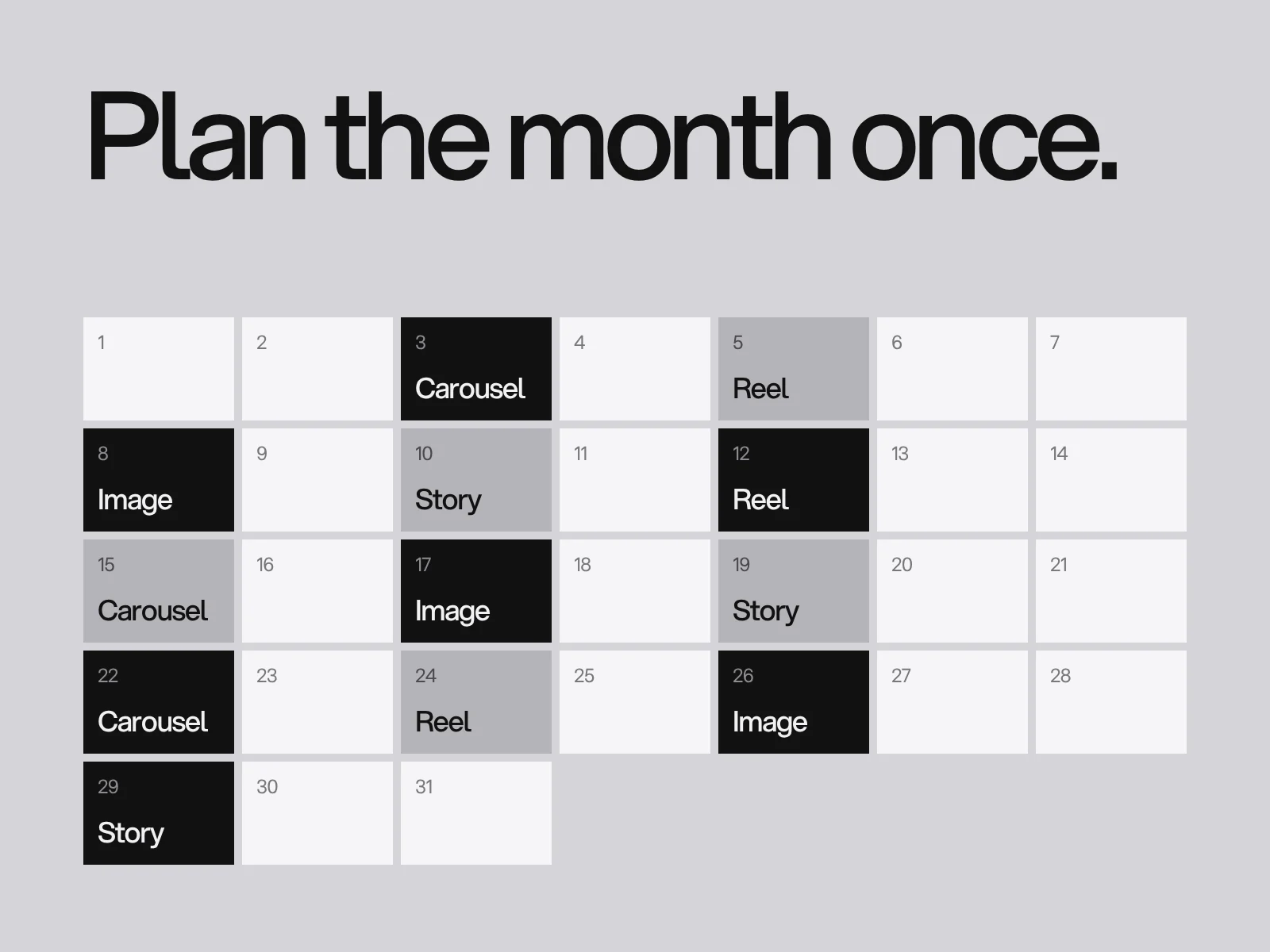
- Look at nine posts side by side. Is there a rhythm of image, text and colour, or a block of the same thing?
- Mix the formats. Alternate image posts, carousels and quotes.
- Allow for the profile grid crop. Instagram's profile grid now shows posts as vertical 3:4 thumbnails, so keep the key content in the centre of a post.
- Plan the story and highlights separately, because they have their own rhythm.
Build and share the templates
- Make them in the tool your team uses. Figma, Canva, Adobe Express or a presentation tool all work. The best tool is the one people will actually open.
- Lock what must not change where the tool allows it, and leave the flexible parts editable.
- Name the files clearly and keep them in one shared place, with a short page explaining each template and when to use it.
- Keep an examples gallery of good posts, so new team members see what "right" looks like.
Keep it fresh
Consistency does not mean never changing. Refresh the system on a schedule, for example each quarter or season, with new image treatments, a new accent colour or a new graphic element, while the core rules stay. Look at what your audience responds to and adjust. A system that never evolves feels dated, and one that changes constantly is not a system.
Mistakes to avoid
- A template for every occasion. Too many formats means no recognisable system.
- Text too small or too long for a phone.
- Logos on every post at a large size. A brand can be recognised by its system, so the logo can be small.
- Stock photography with no treatment, which makes the feed look generic.
- Ignoring the first line of the caption, which is what people see before they tap "more".
Working with LAIN
We design social media systems as part of an identity or on their own: the rules, the templates and the covers, handed over in the tools your team uses. Social media design at LAIN is typically an ongoing relationship rather than a fixed-length project. If your feed looks different every day, send us a brief.
Frequently asked questions
What social media templates does a brand need?
Start with five: an image post, a carousel, a quote or key fact, an announcement and a story. Add highlight covers and a profile avatar once those are working. A small set designed as a system is better than many unrelated layouts.
How do I keep my feed consistent but not boring?
Fix the grid, type, colours, logo placement and image treatment, and keep the message, image and layout variant flexible. Offer two or three variants of each template and refresh the system on a schedule.
Which tool should I use to build social media templates?
Whichever your team will actually use. Figma, Canva, Adobe Express and presentation tools can all work. Lock the parts that must not change and keep a shared library with short instructions.
How do I make social media posts accessible?
Use enough contrast between text and background, keep text large enough to read on a phone, do not rely on colour alone, write alt text where available, repeat the key message in the caption and add captions to video.
How long does it take to set up social media templates?
Social media design at LAIN is typically ongoing rather than a fixed-length project. Setting up the system comes first, and the templates are then used and extended over time.
Sources and fact check
Facts in this article that come from outside LAIN were checked on 27 Oct 2026 against:
- W3C: Web Content Accessibility Guidelines (WCAG) 2.2
- Neal Schaffer: Instagram post size in 2026, after the 3:4 grid change
Timelines, services and process described here are LAIN's own, as set out on our About and FAQ pages.
[ Keep reading ]