[ Social media ]
Instagram profile design: avatar, bio, highlights and grid
A visitor decides in seconds whether your Instagram account is worth following. Four parts do the work: a simple avatar that survives a circle crop, a name and bio that say what you do and for whom, a small set of highlight covers and a grid whose centre content still reads now that profiles show 3:4 thumbnails. Design them together, then keep them consistent.
By LAIN5 min read
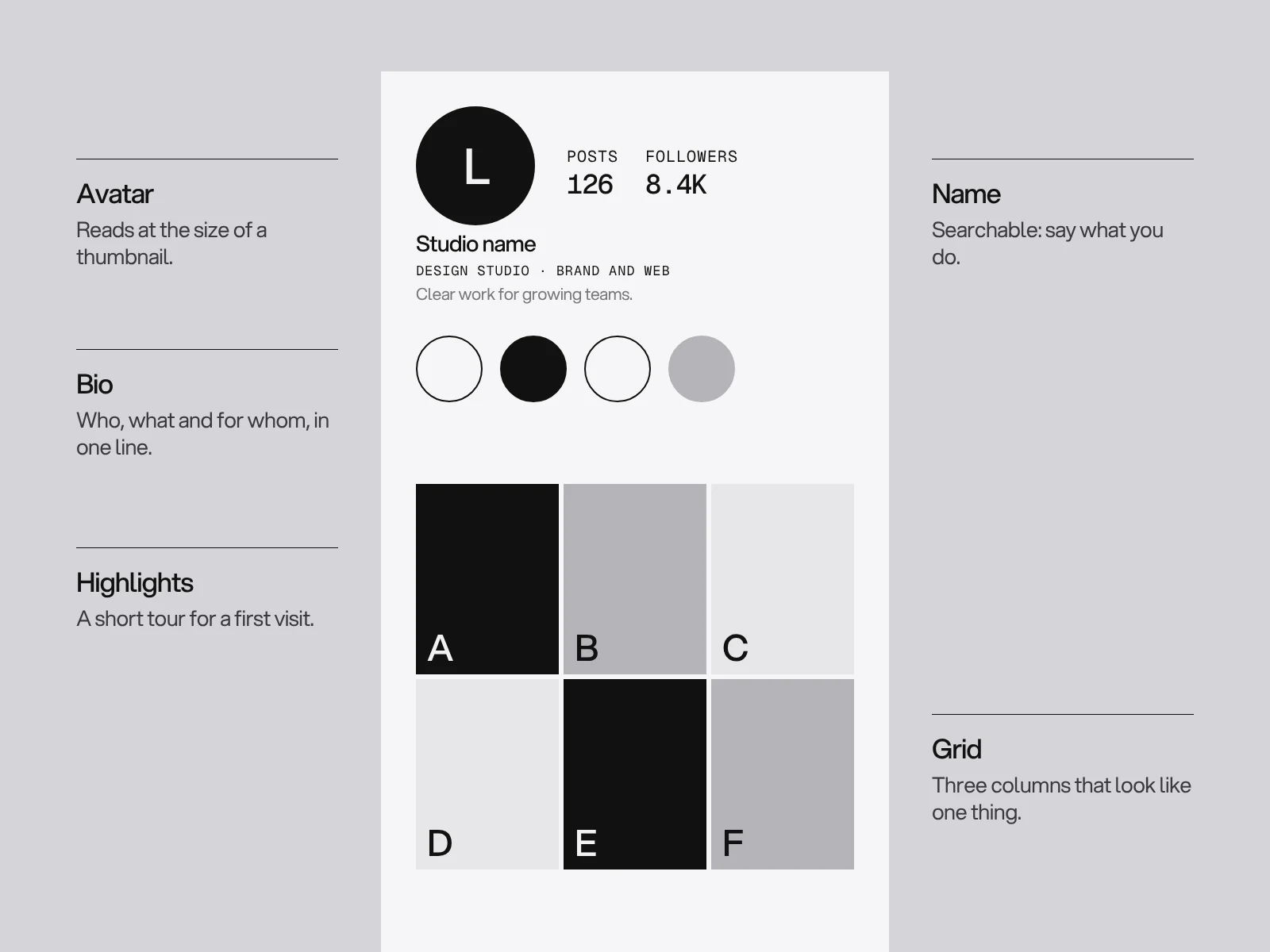
When someone lands on your Instagram profile, whether from a post, a search or a link, they make a quick decision: follow, tap through to your website, or leave. The profile is a small page with a very particular layout, and every part of it can be designed. This guide goes through them in the order a visitor sees them.
The avatar
The profile picture is the smallest and most-seen part of your brand. It appears next to every comment, story ring and message, usually tiny.
- Use the mark, not the full logo. A symbol, monogram or single letter reads at small sizes where a wordmark does not.
- Expect a circle. Platforms crop avatars to a circle, so keep the artwork well inside the edges and leave the corners empty.
- Pick strong contrast. A solid background colour with a simple shape is recognisable at a glance.
- Use the same image everywhere you have an account, so people know they have found the right one.
- Upload a good file. A sharp square image. See logo file formats for what to keep ready.
Name, handle and bio
Instagram searches on both the name field and the username, and the bio is limited to 150 characters, so each word counts.
- Username: as close to your brand name as you can get, easy to say and spell.
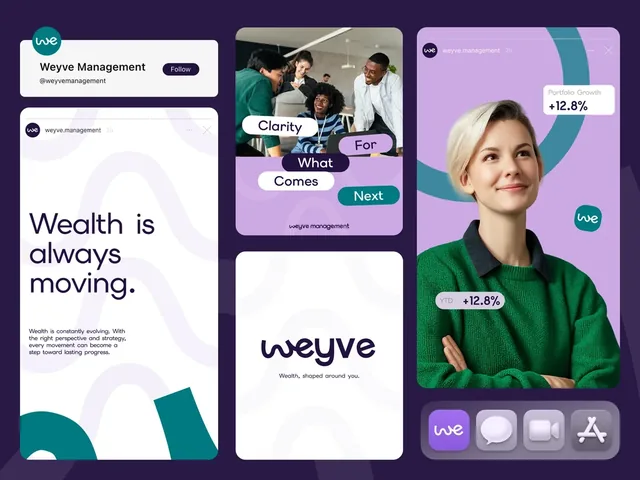
- Name field: your brand name followed by a few words about what you do, because this field is searchable. "Weyve Management" is clearer than a name alone.
- Bio: answer three questions: what do you do, who is it for and what should I do next. Write it plainly.
- Line breaks and emphasis: short lines are easier to scan than one block. Use an emoji or two as signposts if it suits the brand, not as decoration.
- Call to action and link: point to one useful place, such as a booking page or a contact page. If your site has several, use a simple link page, but make sure the first link is the one that matters.
- Category label and contact buttons: for a business account, choose the category that describes you, and add the contact buttons you want to answer.
Highlight covers
Highlights sit under the bio and are the only part of the profile that stays put. They work like a menu for the stories you want people to see: services, work, reviews, how it works, FAQs.
- Keep it to a handful. Four to six clear highlights beat a long row of unlabelled circles.
- Name them in one or two words so the label fits under the circle.
- Design the covers as a set. One style of icon or symbol, one colour logic and a consistent line weight.
- Centre the symbol. Covers are cropped to a circle, and Instagram publishes no official size for them. The common practice is to design at story proportions and keep the symbol in the middle.
- Make the covers distinct from the avatar, so the row reads as navigation, not as repeats.
The grid
The grid is the visual proof of your account. Two things matter: how it looks as a whole and how each post looks as a thumbnail.
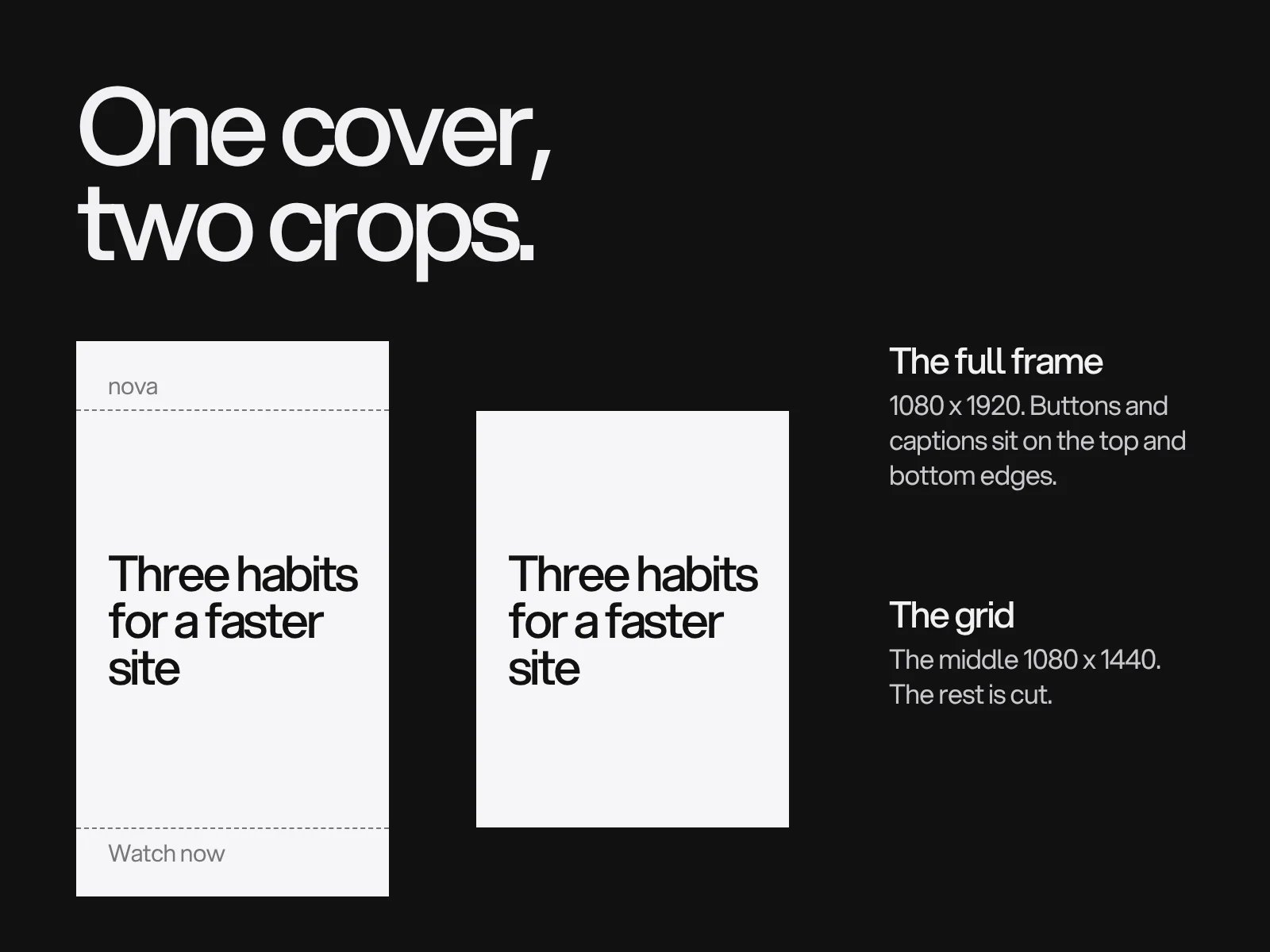
- Know the crop. Instagram's profile grid now shows posts as vertical 3:4 thumbnails, a change made during 2025. A feed post can have another ratio, but the thumbnail crops it, so keep the main subject and text near the centre.
- Look at nine posts together. Check there is a rhythm of image, text and colour. A block of identical layouts looks repetitive. A random mix looks unplanned.
- Pin your best three posts at the top: what you do, a standout piece of work and a proof point such as a result or a review.
- Be consistent without being rigid. A shared grid, palette and image treatment, as described in social media templates, ties different posts together.
Check it on a phone
Most visitors will see your profile on a phone. Open it on a real one and ask:
- Can I tell what this account is in three seconds?
- Is the avatar clear at its smallest size?
- Is the bio easy to read, and does it say what to do next?
- Do the highlight covers read as a set, and are the labels legible?
- Do the grid thumbnails still make sense after the crop?
Common mistakes
- A full wordmark as an avatar, shrunk to unreadable.
- A bio full of slogans and no explanation of what you do.
- No clear link or action.
- Highlight covers in a different style from everything else.
- Text near the edges of posts, cut off in the grid crop.
- A grid that changes style every month.
Keep it going
A profile is not a one-off design job. Update the pinned posts and highlights as your offer changes, refresh covers with the seasons if your brand allows it and check your numbers: profile visits, link clicks and follows tell you whether the page is doing its job.
We design profile elements and social media systems as part of an identity or as a project of their own. If your profile does not yet say what you do, talk to us.
Frequently asked questions
What makes a good Instagram profile picture for a business?
A simple mark, monogram or letter on a solid background that stays clear at a small size and sits well inside a circle crop. Use the same image on every platform so people recognise you.
How long can an Instagram bio be?
The bio is limited to 150 characters. Use it to say what you do, who it is for and what to do next.
What size should Instagram highlight covers be?
Instagram does not publish an official size. Common practice is to design at story proportions (9:16) and keep the symbol in the centre, because the cover is shown as a circle.
Did Instagram change the profile grid?
Yes. Profile thumbnails are now shown as vertical 3:4 images, rather than squares, so keep the key part of each post near the centre where the crop will not cut it.
How many highlights should I have?
Four to six clear ones is usually enough, each with a one or two word name and a cover designed as part of a set.
Sources and fact check
Facts in this article that come from outside LAIN were checked on 27 Oct 2026 against:
- Neal Schaffer: Instagram post size in 2026, after the 3:4 grid change
- Kapwing: Instagram's new grid layout, size and dimensions
- Replug: Instagram character limits
- Moda: Instagram highlight cover size
Timelines, services and process described here are LAIN's own, as set out on our About and FAQ pages.
[ Keep reading ]