[ Graphic design ]
Company profile design: how to make a document that survives being forwarded
A company profile is usually forwarded, skimmed on a phone or printed by a committee, not read once by the person you sent it to. So every page must identify you and stand alone, body type must be readable on a phone, the file must stay under about 18 MB once email encoding is counted, and the export must keep real text, a title and a language.
By LAIN8 min read
You send a company profile to one person. It is then read by someone else: a colleague who receives a forward with no email attached, a manager who skims it on a phone between meetings, a committee that prints it. Design for those readers, not for the contact who asked. The profile has to identify you on every page, be readable at phone size, stay small enough to send and export as real text with a title.
PDF or web page: research and practice differ
Nielsen Norman Group's 2020 article by Jakob Nielsen and Anna Kaley calls PDFs unfit for online reading. Their reasons are specific: files are sized for paper, so text is tiny and readers pinch and zoom, especially on mobile; large files load slowly; they open in new tabs and break the back button; and they usually have no internal navigation. In their studies, business users testing About Us areas skipped PDFs or abandoned them, and one who got stuck looking for basics gave up on the site and searched Google instead. Their advice: put the content on a web page and offer the PDF as a download for printing, with the search engines pointed at the page.
Sales teams still attach PDFs, and a tender or vendor-registration form may ask for one. Both views are right for different jobs:
| Where it will be read | Format | Why |
|---|---|---|
| Emailed after a call, then forwarded | A short PDF | It travels as one file and survives a forward |
| On your website | An HTML page with a download link | Readers get the page; the PDF is for print |
| A tender or vendor portal | Whatever the portal specifies | Read its file rules before you design |
| Printed for a committee | The PDF, test-printed | Check that the type holds on paper |
Pass the forward test
Imagine the profile arriving in a stranger's inbox with the covering email deleted. Three checks:
- Every page names you. Company name, website and one contact on each page, so a single page pulled out or screenshotted still says whose it is.
- No copy that depends on the conversation. Cut "as discussed" and anything that only makes sense after a call.
- Page one answers three things: who you are, what you do, for whom.
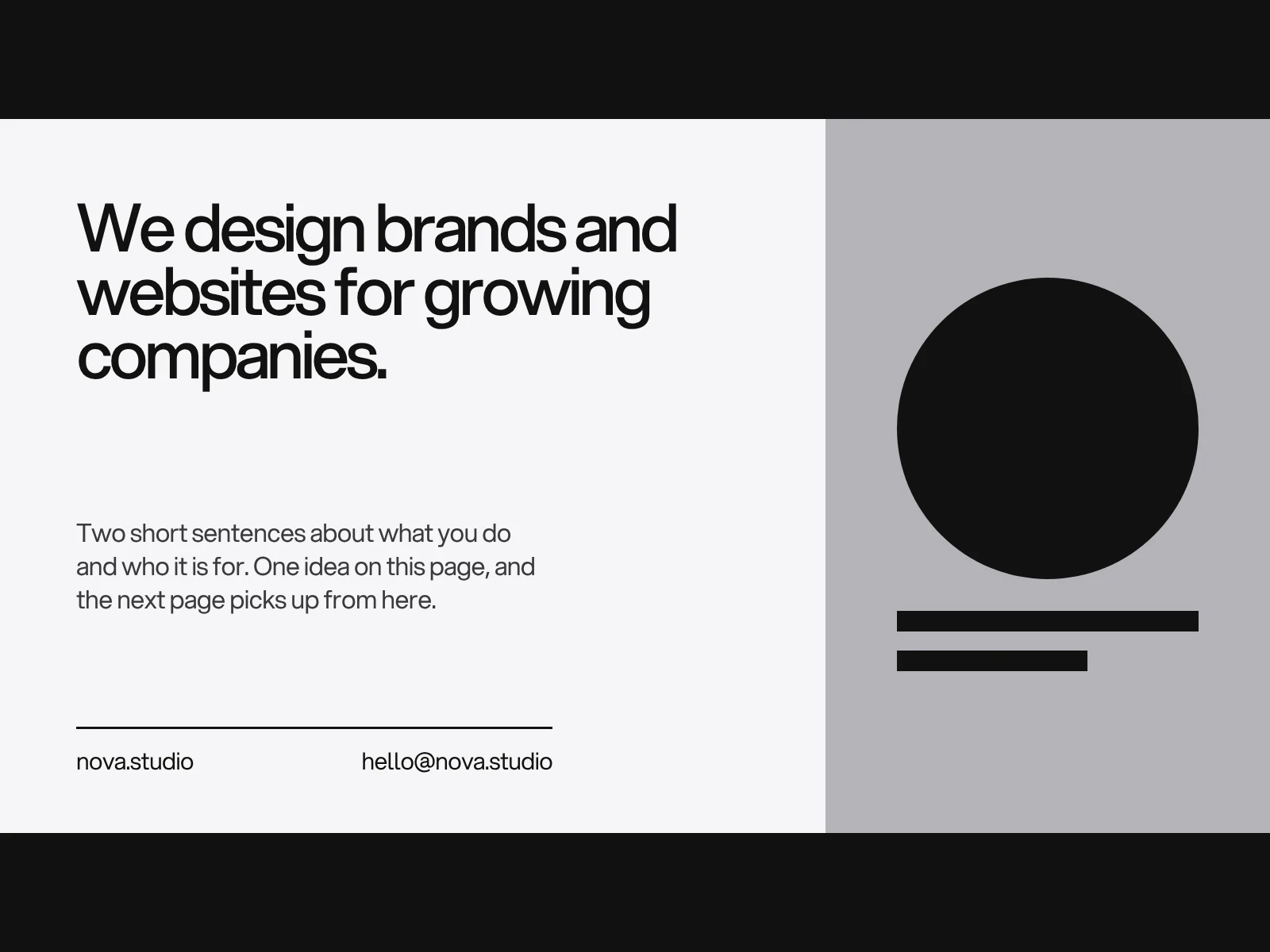
Stanford's Web Credibility research (three years, more than 4,500 people) lists the cues readers use to judge an organisation online. They were written for websites, and we apply them to a document: show that a real organisation is behind it, highlight the expertise, make it easy to contact you, show that it has been reviewed recently and avoid errors of any size. A named contact, a version date and clean proofreading are not decoration.
Page order by the reader's questions
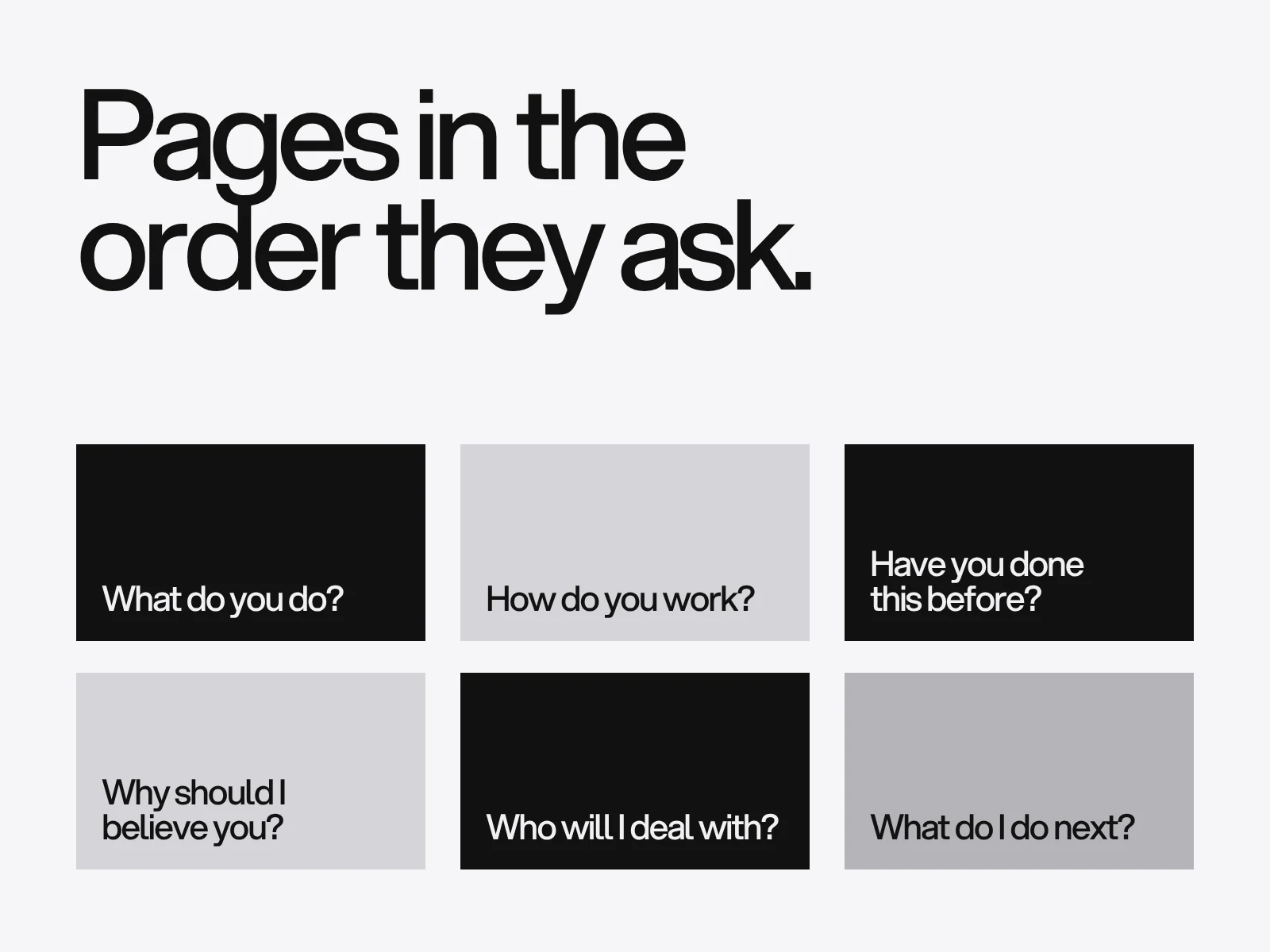
Order the pages by what a stranger asks next.
| Page | Question it answers |
|---|---|
| Cover | Who is this? |
| At a glance | What do you do, for whom, since when? |
| What we do and how | Can you help me, and what is it like? |
| Selected work | Have you done this before? |
| Proof | Why should I believe you? |
| Team | Who would I deal with? |
| Contact | What do I do next? |
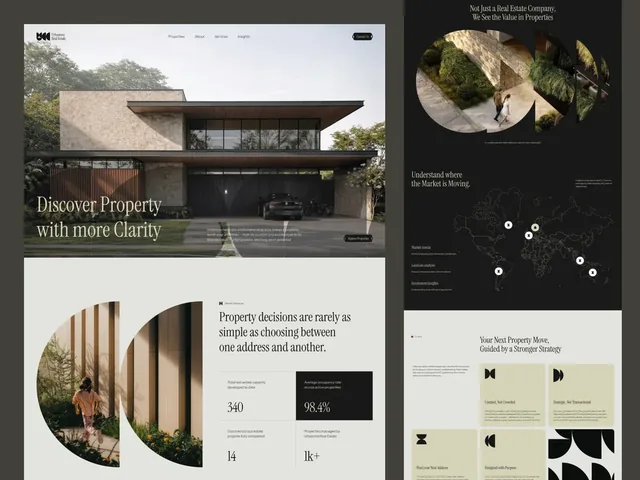
A real brochure follows the same logic. The Urbanova brochure on our site runs eight letter-size pages: the cover, the agency, perspective, buy, sell and invest, the process, a property and the way to reach an advisor.
If buyers are procurement teams, the proof page matters more. Procurement guides list the same checks: financial standing, certifications and registrations, references weighted by how closely they match the job, and capacity such as staffing and lead times. These are glossary-level sources, not a standard, so confirm the checklist with the buyer. Give every claim a row:
| Claim | Evidence | Who can confirm |
|---|---|---|
| Delivered [N] projects in [sector] | Three named projects, one line each | The client, with permission |
| Certified to [standard] | Certificate number and year | The issuing body |
| Team of [N] | Names and roles | Public profiles |
Set type for a phone, not for a printer
A page's text size on a phone is just a scale. An A4 landscape page is 842 points wide. Fitted to a phone 360 pixels wide in portrait the scale is 0.43, so 10 point print body renders at about 4 pixels. Turned sideways, on a 740 pixel viewport, the scale is 0.88 and 10 points is about 9 pixels. For 14 pixels, body text needs 16 points on a landscape phone and about 33 in portrait. The widths are typical values, not measurements of one device.
So set body text at 16 points or more on an A4 landscape page, or 18 points or more on a 960 point wide 16:9 page, and accept that portrait phones will still zoom.
Keep the file under the limit
Gmail's limit for personal accounts is 25 MB. Email encodes attachments as text, and in a test with Python's email library a 1 MiB attachment became a message 1.35 times larger. So a file over about 18 MB will not send. Many corporate gateways set lower limits, so aim under 10 MB.
Photographs are the usual cause of an oversized profile. We measured one interior photograph (2048 by 1462 pixels), resized to a full A4 landscape page and saved as JPEG:
| Page pixels | Resolution | Quality 70 | Quality 80 | Quality 90 |
|---|---|---|---|---|
| 1169 by 827 | 100 ppi | 138 KB | 176 KB | 257 KB |
| 1754 by 1240 | 150 ppi | 311 KB | 392 KB | 564 KB |
| 2048 by 1448 | 175 ppi | 429 KB | 538 KB | 766 KB |
Ten full-page photographs at 150 ppi and quality 80 come to about 3.9 MB. A 300 ppi export has 3508 by 2480 pixels per page, four times as many as 150 ppi, and the files grow on the same order (we did not measure above 2048 pixels, and sizes vary with the picture). Export for screen, not for print.
Keep real text, tags and a title
Google lists PDF among the file types it parses to extract text, so text that is a flattened picture or converted to outlines cannot be searched, copied or read aloud. The W3C techniques for PDF name the settings that matter and the WCAG criterion each one supports:
- Title (PDF18): set the document title and the flag that shows it in the viewer's title bar. Criterion 2.4.2.
- Language (PDF16): set the default language in the file. Criterion 3.1.1, Level A.
- Alt text (PDF1): a text alternative on every meaningful image. Criterion 1.1.1.
- Headings (PDF9): tagged headings in the structure. Criteria 1.3.1 and 2.4.1.
"Print to PDF" produces an untagged file, and automatic checkers cannot confirm reading order, table structure or alt text, so check those by hand. Sources disagree on whether PowerPoint for Mac exports tagged PDFs, so open your own export in Acrobat and look.
Where this goes wrong
It only makes sense with the email. Cause: copy written to the person who asked. Detect: the forward test. Fix: rewrite page one for a stranger.
The PDF is 40 MB. Cause: print-resolution photographs. Detect: file properties before you attach. Fix: downsample to about 150 ppi and re-export.
Nobody can read it on a phone. Cause: 10 point print type on a landscape page. Detect: open it on your phone at arm's length. Fix: 16 point body or more.
It cannot be searched or copied. Cause: pages exported as images or text outlines. Detect: try to select a phone number. Fix: export live text, then check tags.
It is out of date. Cause: no owner. Fix: one master file, a version date on the last page and a yearly review.
Checklist before you send it
- Name, website and contact on every page (pass: no page without them).
- Page one answers who, what and for whom.
- Body at 16 points or more on A4 landscape.
- File under 10 MB (hard limit about 18 MB).
- You can select and copy a phone number.
- Document title and language are set, and the document is tagged.
- A version date and a clear next step on the last page.
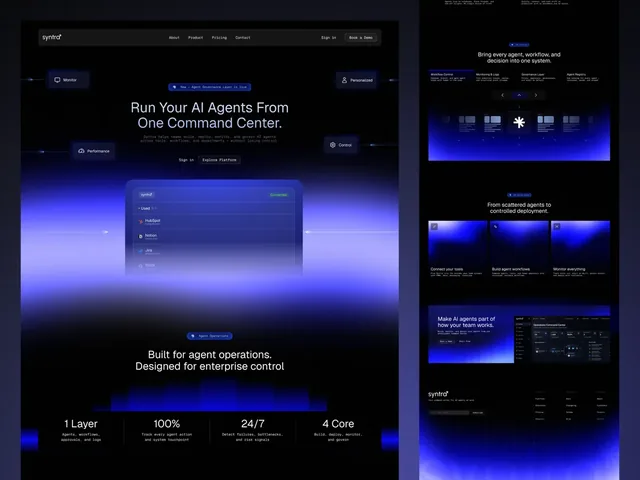
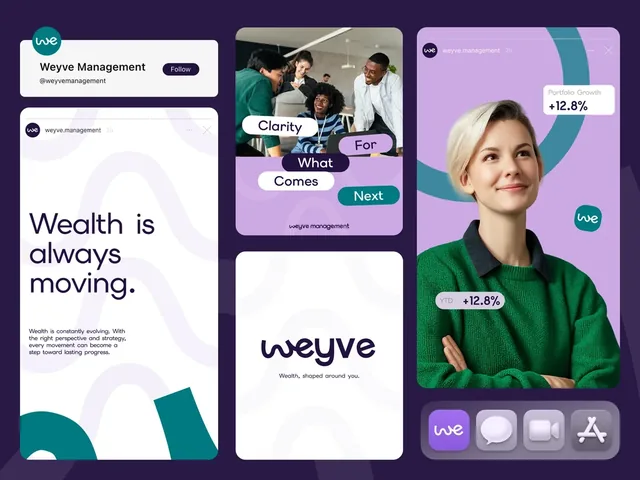
Graphic design projects at LAIN, such as profiles, brochures and decks, typically take 2 to 4 weeks. The documents for Urbanova, Syntra and Weyve were designed with their brand identities. For the version you present in a room, see the pitch deck guide, and for print, the brochure checklist. To start, send us a brief with who will read the profile and what they should do next.
Frequently asked questions
What should a company profile include?
Cover, an at-a-glance page, what you do and how, selected work, proof, the team and a contact page, ordered by the questions a stranger asks. If buyers are procurement teams, add proof for financial standing, certifications, references that match the job and capacity, and give each claim evidence and someone who can confirm it.
Should a company profile be a PDF or a web page?
Both, for different jobs. Nielsen Norman Group advises putting the content on a web page and offering the PDF for printing, because PDFs are sized for paper and hard to read on mobile. A short PDF still travels best when it is emailed and forwarded, and tender portals often ask for one.
How big can a company profile PDF be to send by email?
Gmail allows 25 MB per message for personal accounts. Email encoding makes an attachment about 1.35 times larger (measured with Python's email library), so a file over roughly 18 MB fails, and many company gateways are stricter. Aim under 10 MB by exporting photographs at about 150 ppi.
What text size should a company profile use?
Larger than print habits suggest. On an A4 landscape page, 16 points renders at about 14 pixels on a phone held sideways, while 10 points renders at about 9. Use 16 points or more for body text on A4 landscape, or 18 or more on a 960 point wide 16:9 page.
How do I make a company profile PDF accessible?
Export from a source with real headings and alt text, set the document title and language, and run a checker, then check reading order by hand. The W3C PDF techniques cover the title (PDF18), language (PDF16), image alternatives (PDF1) and headings (PDF9). Printing to PDF produces an untagged file.
What is the difference between a company profile and a pitch deck?
A pitch deck is built to be presented and, when sent, skimmed in seconds per slide. A company profile is built to be read without anyone explaining it, so each page stands alone and carries your name and contact. Many companies keep both from one set of brand assets.
Sources and fact check
Facts in this article that come from outside LAIN were checked on 28 Oct 2026 against:
- Nielsen Norman Group: PDF, still unfit for human consumption, 20 years later
- Stanford Persuasive Technology Lab: Stanford Guidelines for Web Credibility
- W3C WCAG 2.2 Technique PDF18: specifying the document title
- W3C WCAG 2.2 Technique PDF16: setting the default language
- W3C WCAG 2.2 Technique PDF1: text alternatives for images in PDF
- W3C WCAG 2.2 Technique PDF9: headings in PDF
- Google Search Central: Indexable file types
- Google Help: Gmail attachment size limit
- University of Missouri-St. Louis: Exporting accessible PDFs
- Tacto: Supplier prequalification (procurement glossary)
- Saarland University: Flyer on accessible PowerPoint 2016
Timelines, services and process described here are LAIN's own, as set out on our About and FAQ pages.
[ Keep reading ]