[ Website ]
Website forms that convert: what the evidence supports, field by field
A form is a pipeline of six steps: ask, fill, check, send, deliver and reply. Fewer fields help, but the evidence is mixed. Inline validation helps hard fields, the browser email check accepts typos, and for small sites the weakest step is often the notification email that never reaches the inbox.
By LAIN11 min read
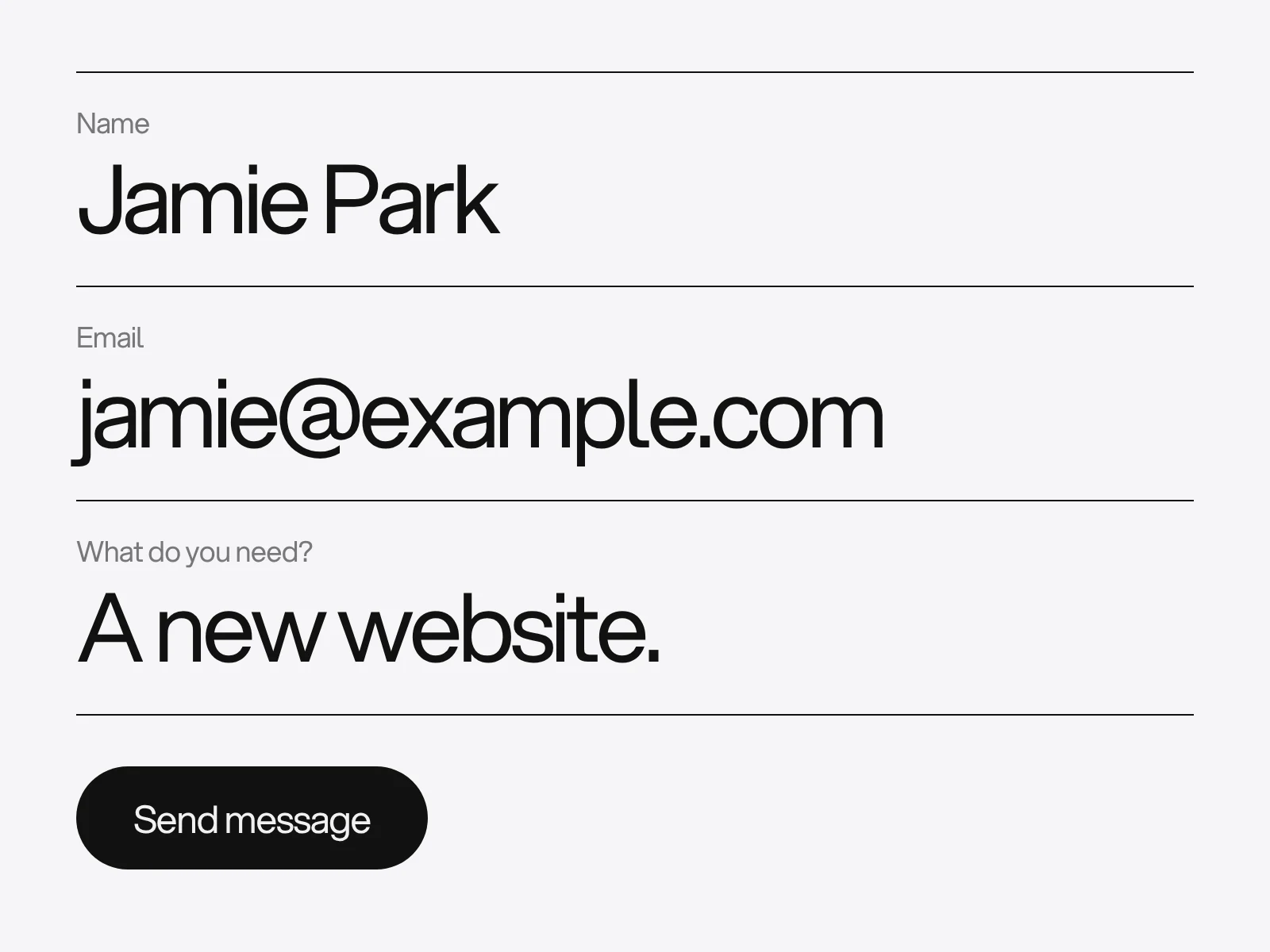
Most advice on forms stops at "ask for less and label everything". That is right, and it is the thin part. What helps more is knowing which rules have evidence behind them, which rest on one small study, and which step nobody checks after the visitor presses Send. Think of a form as a pipeline of six steps: ask, fill, check, send, deliver, reply. Conversion is lost at the weakest step, and the step a small site is least likely to test is the fifth.
Ask for what you will use
Baymard Institute counted an average of 11.3 form fields in the checkouts it benchmarked in 2024, down from 11.8 in 2021 and 12.7 in 2019, and says most sites need only 8. Its sharper point is that the number of fields a person has to consider matters more than the number of steps. That is why it recommends moving optional fields such as a coupon code, address line 2 or a company name behind a link instead of showing them.
Be careful with the famous "fewer fields, more conversions" case studies. The ones usually quoted are second-hand and they disagree. A MarketingExperiments test reported a 15-field form beating an 11-field original by 109% and a 10-field version by 87%. The conversion specialist Michael Aagaard reported that removing the fields people actually wanted to engage with cut conversions by 14%. None of the cases we found measured lead quality. Treat field count as a cost you must justify, not as a law.
Decide each field with one test: does the answer change what happens next?
| Field | Keep it when | The trap |
|---|---|---|
| Name | A person will greet the sender | A required "last name" excludes people with one name |
| Always, it is the reply channel | The browser check accepts typos, see below | |
| Message | Always, it is the enquiry | A minimum length punishes short, clear questions |
| Phone | Someone will really phone | A required phone field can produce placeholder numbers |
| Company | You answer companies and individuals differently | Skip it if the email domain tells you |
| Budget or timeline | The answer decides who replies or whether you take the work | A general contact form rarely needs them |
The last row depends on the promise the page makes. LAIN's own contact page asks for a brief in ten numbered questions, including budget, timeline and where the visitor found us, because people arrive intending to send a brief. A newsletter box asking the same would fail. Match the form to the promise of the button that led to it.
Names, email and phone fail on real data
Names. The W3C guidance on personal names starts by asking whether you need separate given-name and family-name fields at all, and suggests one full-name field as the default. Requiring a family name excludes people who have only one name, which the W3C says is common in parts of Southern India, Malaysia and Indonesia. They type a full stop or "Mr" to get past the field. The guidance also warns against assuming a one-letter name is an initial, and against forcing or correcting capitals (McNamara, van der Waals). Leave room: a four-character Japanese name needs 12 bytes in UTF-8, not 4.
Email. type="email" checks syntax, not existence, and its rule is looser than most people assume. The HTML Standard calls its definition of a valid address a willful violation of RFC 5322, and it needs only one label after the @, so user@localhost is valid. We ran the pattern from the specification over some typical entries:
| Typed | Passes type="email" |
|---|---|
| jamie@gmail.com | Yes |
| jamie@gmail | Yes |
| jamie@gmail.con | Yes |
| jamie@gmail,com | No |
| jamie@@gmail.com | No |
| jamie@gmail..com | No |
The most common real mistake, a missing or mistyped ending, sails through. Add your own check when the person leaves the field and phrase it as a question ("Did you mean jamie@gmail.com?"). Never block on it, because unusual but valid addresses exist.
Phone. MDN is explicit that type="tel" does not validate a format, because telephone formats vary so much around the world; it may only bring up a keypad. Do not use type="number" for phone or reference numbers. The GOV.UK Design System advises against it unless research shows a need, and its team moved to a text input with inputmode="numeric" after finding usability problems, among them values that change when the scroll wheel passes over the field. Avoid maxlength too: the browser silently cuts input, with no feedback that anything was dropped. State a limit in the hint and accept more.
Autocomplete. Name each field's purpose with the HTML autocomplete tokens: name (or given-name and family-name), email, tel, organization, postal-code. WCAG 2.2 criterion 1.3.5 (level AA) requires the purpose of a field that collects information about the user to be exposed in code, whether or not any browser fills it in. A field about someone else, such as a gift recipient, is outside the rule. In a form with two addresses, put shipping or billing before the field name.
Labels, hints and the placeholder question
Nielsen Norman Group lists seven problems with placeholder text. Three cost the most. The hint vanishes once someone types, so they cannot check what the field asked. People cannot review autofilled entries. And some assume a pale placeholder is a value already filled in, and skip the field.
The sources differ in strictness. GOV.UK says not to use placeholder text for labels, hints or examples, partly because not all screen readers read it. NN/g is more tolerant and allows supplementary information in a placeholder, provided nothing essential is in it. Follow the stricter rule: a visible label above the field, one short hint under the label, and no placeholder at all. Mark optional fields with the word "optional" and use one convention everywhere.
Validation: timing depends on the field
The study behind most inline validation claims is Luke Wroblewski's 2009 test with the usability firm Etre: 22 people, six versions of a registration form. The best inline version beat the control, which validated only on submit, with 22% more successful completions, 22% fewer errors, 31% higher satisfaction, 42% less completion time and 47% fewer eye fixations.
Two details matter more than the headline.
- Timing. Validating after the person left a field was 7 to 10 seconds faster than validating while they typed. Flagging errors before and during typing gave the most errors and the lowest satisfaction.
- Which fields. The benefit was concentrated in difficult fields such as username and password. On simple fields (name, email, postal code) people were confident and mostly ignored the messages. Green ticks confused some of them: "Are you telling me I entered a valid name or my name correctly?"
The sample was small, the percentages were not tested for significance, and commenters including someone from Etre questioned the design because each person saw several forms. Baymard's later testing agrees on timing: wait until the person leaves the field, then clear the error on every keystroke as soon as the input becomes valid. It differs on ticks, reporting that positive confirmation gives a sense of progress. We read the two together like this: validate on leaving the field, clear errors instantly, and show a tick only where the rule is hard to see, such as password requirements or a username check. That is a synthesis of two small studies, not a finding.
Errors: a summary, a message and where focus goes
The GOV.UK error pattern is the most complete we found. When there is any error, even one, show an error summary at the top of the main area and move keyboard focus to it. Link each item to its field. Start the page title with "Error:" so screen readers announce it early. Pair the summary with a message next to each field in the same words.
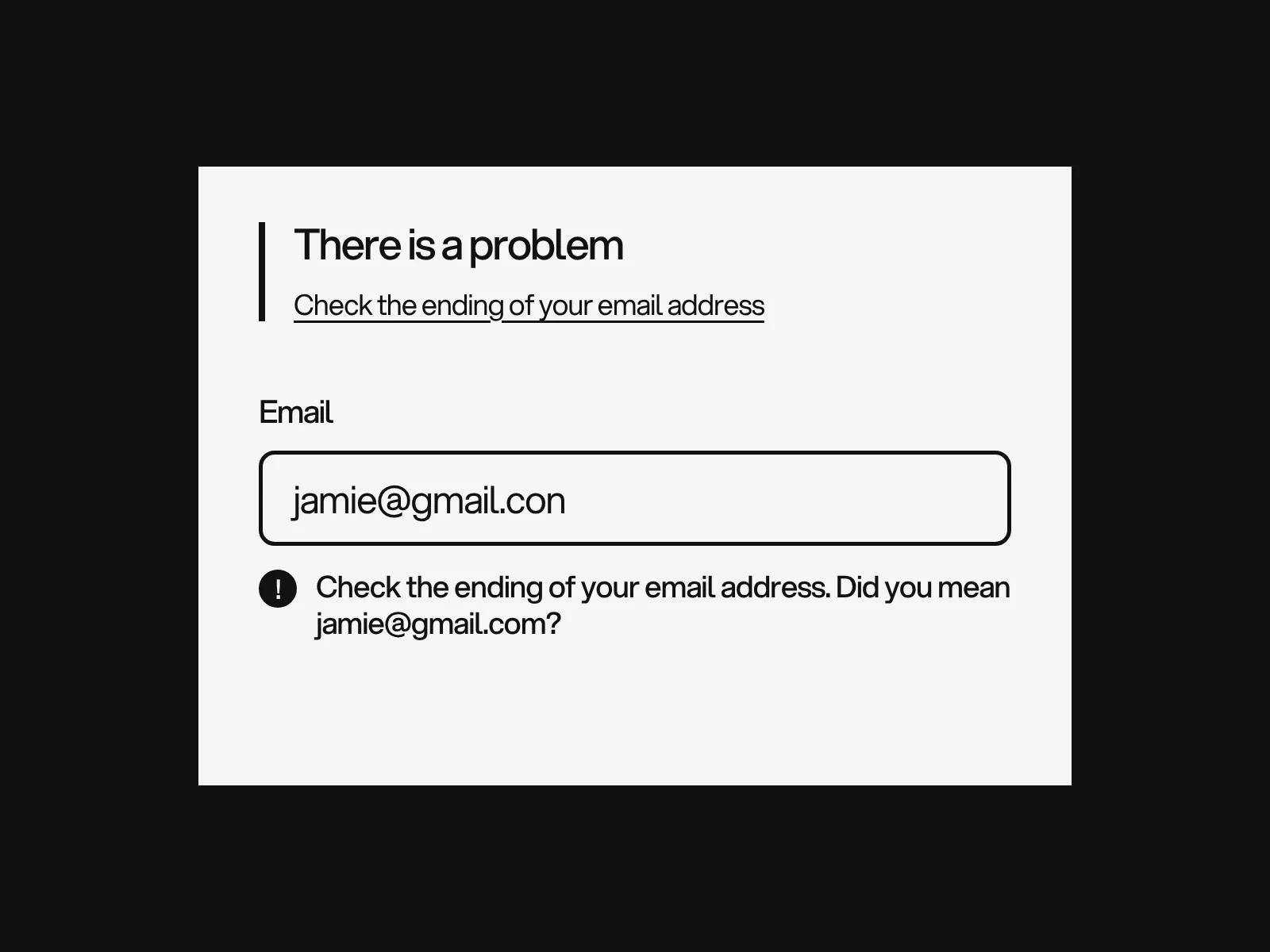
In WCAG terms, 3.3.1 (level A) requires the field in error to be identified and the error described in text, so colour alone fails. Criterion 3.3.3 (level AA) asks for a suggested correction whenever one is known and safe to give. Keep what the person typed. A form that clears itself after one wrong field loses people for good.
Delivery: the step nobody tests
Most enquiry forms send you an email. The common trap is a form tool that sends it "from" the visitor's address so that you can press Reply. To the receiving server, that is a message claiming to be from gmail.com sent by your form provider. Google's sender guidelines require every sender to set up SPF or DKIM, and senders of 5,000 or more messages a day to Gmail also need DMARC, with the From domain aligned to the authenticated domain. A contact form is far below that volume, so the strict rule is not aimed at you, but alignment is how mailbox providers judge everything, and form vendors such as Zoho warn that misaligned notifications are treated as spam.
The fix is dull and reliable:
- Send the notification from an address on your own domain.
- Put the visitor's address in the Reply-To header.
- Send a real test, open the original message headers and check that SPF, DKIM and DMARC all pass.
- Store the enquiry somewhere before the email goes out.
LAIN's own enquiry form works this way: the notification is sent from a studio address with the visitor's email as reply-to, and the enquiry is saved to a dashboard inbox first, so a lost email is not a lost enquiry. The same form uses a hidden field and a minimum fill time (under 3 seconds is dropped quietly) against bots. That trap is a trade-off. On a three-field form, a person using autofill can finish about as fast as a script, and a silent drop gives them a success message and no enquiry. If you use a time trap, test it with autofill and log what it drops.
Can you A/B test it?
Probably not. We computed the visitors needed per variant for a two-sided test at 95% confidence and 80% power:
| Conversion now | Conversion after | Visitors per variant | Total |
|---|---|---|---|
| 3.0% | 3.6% | 13,914 | 27,828 |
| 3.0% | 4.0% | 5,301 | 10,602 |
| 3.0% | 4.5% | 2,518 | 5,036 |
| 5.0% | 6.0% | 8,158 | 16,316 |
A site with 2,000 visits a month to its form page needs about five months to detect a rise from 3% to 4%. So test big changes only, or use qualitative checks: five people filling the form on a phone, a keyboard pass, a screen reader pass. See the accessibility checklist for the keyboard and screen reader steps.
Where forms go wrong
| Symptom | Likely cause | How to detect it | Fix |
|---|---|---|---|
| Enquiries stop after a redesign, no errors | Notification fails alignment and lands in spam | Send a test and read the headers | Own-domain From, visitor in Reply-To |
| Many entries like "." or "Mr" | Required family name or title | Scan the last 50 submissions | One full-name field |
| Typo emails you cannot answer | Browser check passes them | Count bounced replies | Your own ending check, phrased as a question |
| Drop-off at one field | Required but not used | Field-level analytics, or ask five people | Make it optional or remove it |
| Screen reader users cannot find the error | Colour only, no summary | Screen reader pass | Summary, text message, focus |
| Real people get a success message and no reply | Over-eager bot trap | Test with autofill, log drops | Lower the time trap or drop it |
A pass or fail checklist
- Every field changes what you do next: pass if you can say how.
- Name is one field and nothing rejects a single name: pass if "Madonna" submits.
- Every field has a visible label and no placeholder carries instructions.
- Autocomplete tokens are set on every field about the user: pass if the browser offers to fill them.
- Errors appear on leaving a field, clear on valid input, and use text plus a summary.
- A test enquiry reaches the right inbox with SPF, DKIM and DMARC passing.
- The person sees what happens next, and the claim is true.
Forms are designed with the page around them in a website project. The contact pages in Aerium and Syntra each keep one form beside the product or the addresses. To talk about a form on your own site, get in touch.
Frequently asked questions
How many fields should a contact form have?
As few as you will use: name, email and message cover most business forms. Baymard found checkouts average 11.3 fields and says most need only 8. The studies on removing fields conflict, so ask of every field whether the answer changes what you do next.
Why does my form accept an email like name@gmail?
Because the HTML Standard defines a valid address loosely, as characters, an @ and at least one label, so user@localhost is valid. The browser checks syntax, not typos. Add your own check on leaving the field that asks "Did you mean name@gmail.com?" and never block submission on it.
Should I use placeholder text or labels?
Use visible labels above the fields. Nielsen Norman Group lists seven problems with placeholders, including that the hint disappears as you type and that people mistake it for a filled-in value. GOV.UK advises against placeholders for hints and examples altogether.
When should a form show an error message?
When the person leaves the field, not while they are still typing. In Wroblewski and Etre's 2009 test, validating after the field was 7 to 10 seconds faster than validating during typing, and errors should clear the moment the input becomes valid.
Why do my form notification emails go to spam?
A common cause is sending the notification from the visitor's own address, which fails SPF, DKIM and DMARC alignment. Send from an address on your domain, put the visitor in Reply-To, then check the headers of a test message.
Can I A/B test my contact form?
Only with a lot of traffic. Detecting a rise from 3% to 4% at 95% confidence and 80% power takes about 5,300 visitors per variant, roughly five months at 2,000 form-page visits a month. Test large changes, or use small usability tests instead.
Sources and fact check
Facts in this article that come from outside LAIN were checked on 28 Oct 2026 against:
- Baymard Institute: Checkout flow, average number of form fields
- Baymard Institute: Inline form validation
- A List Apart: Inline Validation in Web Forms
- W3C Internationalization: Personal names around the world, form fields
- WHATWG HTML Standard: input type email and autofill
- MDN Web Docs: input type tel
- MDN Web Docs: input type email
- GOV.UK Design System: Error summary
- GOV.UK Design System: Text input
- Nielsen Norman Group: Placeholders in Form Fields Are Harmful
- W3C: Understanding WCAG 2.2, Identify Input Purpose
- Google Workspace Admin Help: Email sender guidelines
- Venture Harbour: How form length impacts conversion rates
Timelines, services and process described here are LAIN's own, as set out on our About and FAQ pages.

[ Keep reading ]