[ App design ]
UI vs UX design: the difference, and why you need both
UX design decides how a product works: the flows, structure and ease of use. UI design decides how it looks and responds: layout, type, colour, components and motion. You need both, and the strongest products design them together.
By LAIN4 min read
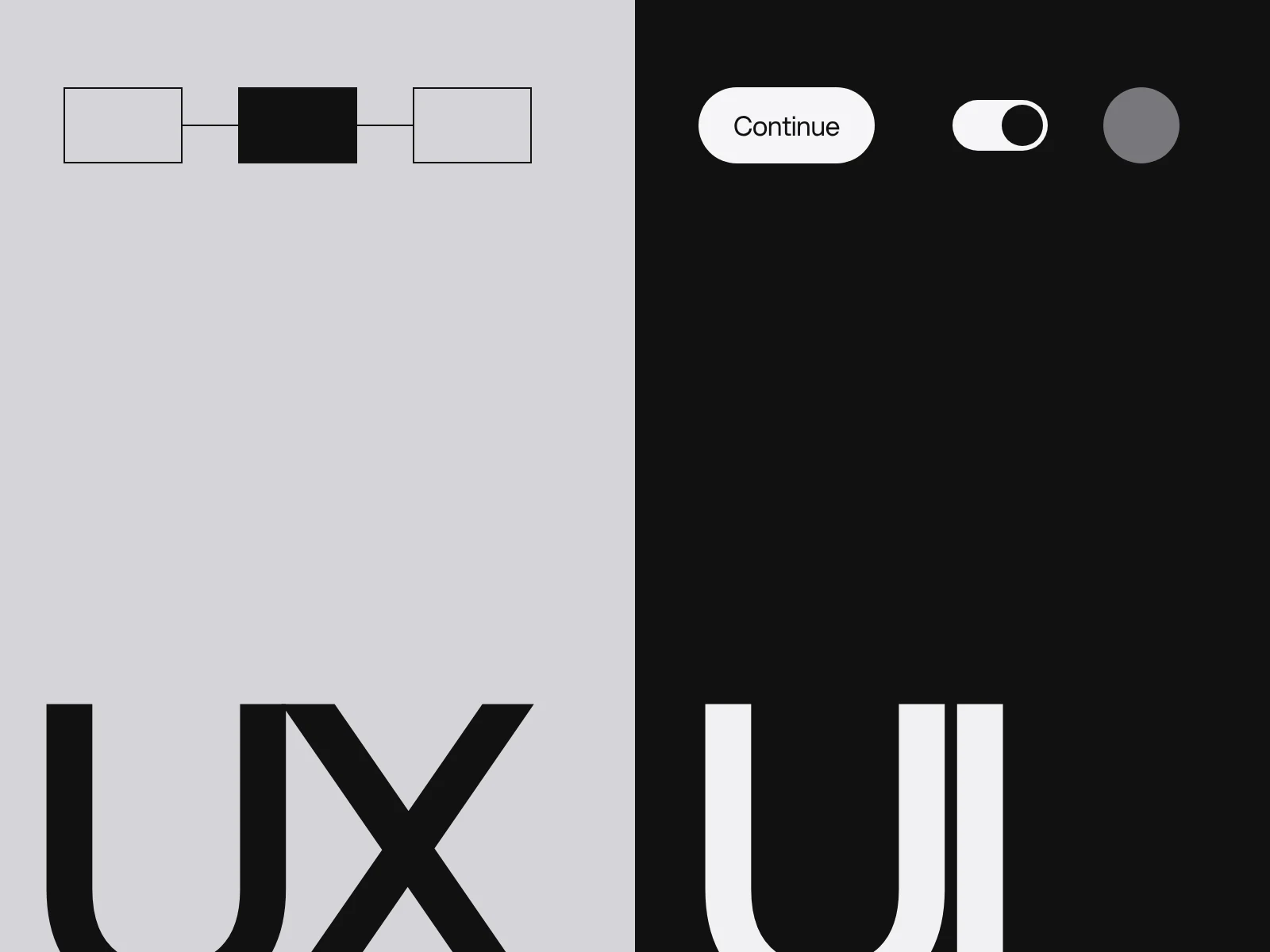
UI and UX are two of the most mixed up terms in digital design. They describe two different jobs that depend on each other. If you are planning a website, an app or a dashboard, knowing which is which helps you brief a studio properly and judge the result.
What is UX design?
UX, user experience, is how a product works and how it feels to use. It is about whether people can do what they came to do, how quickly, and how they feel while doing it. UX designers work on structure, flows and behaviour. The term goes back to the 1990s: Don Norman held the title of User Experience Architect at Apple in 1993 and helped popularise it.
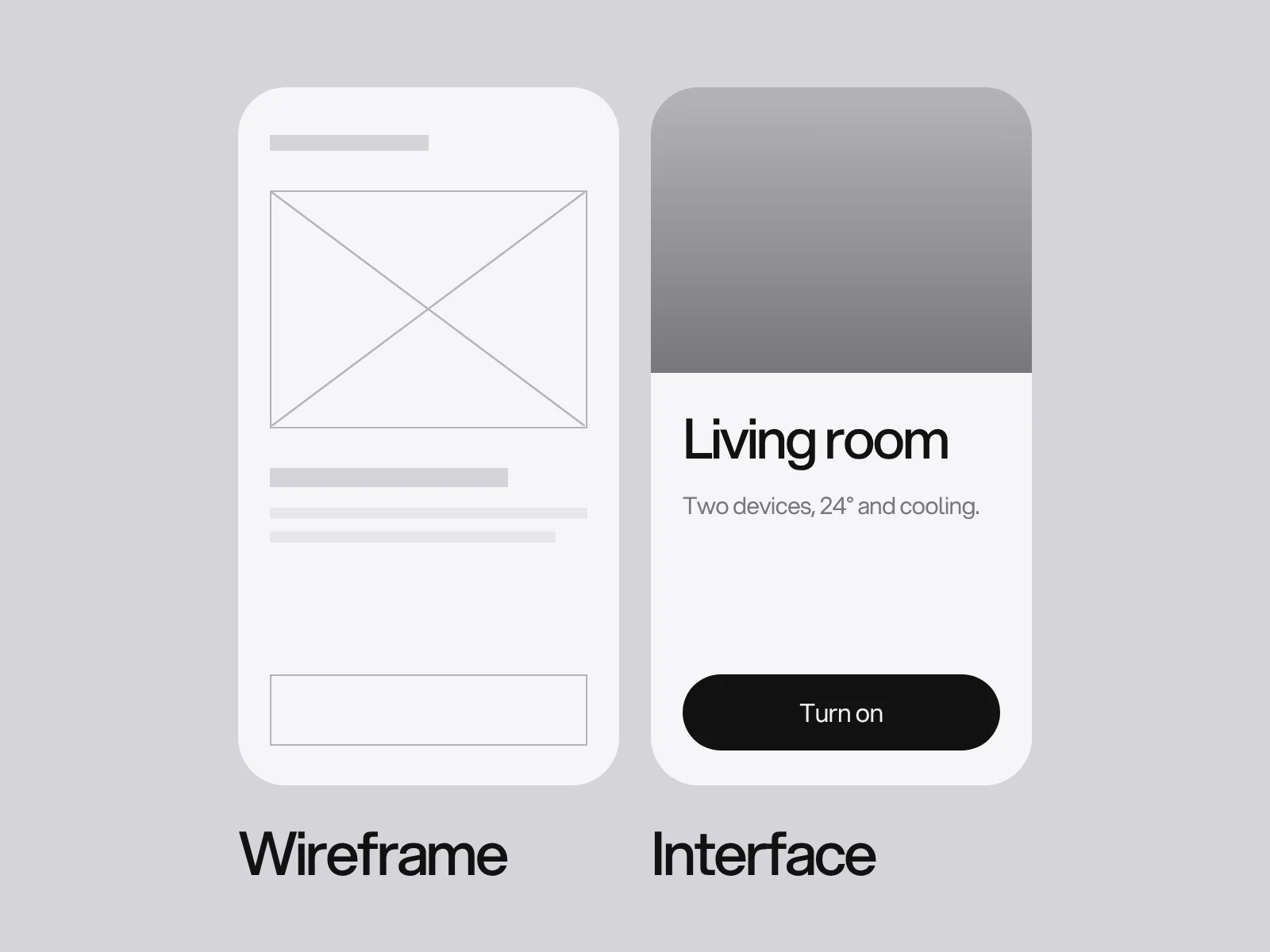
Typical UX work includes research with real users, mapping the journeys, defining the sitemap or navigation, sketching and wireframing screens, building clickable prototypes and testing them.
What is UI design?
UI, user interface, is what people see and interact with: layout, typography, colour, icons, buttons, forms, imagery and motion. UI designers turn the structure into a clear, attractive, consistent interface and make sure it feels right on every screen size.
Typical UI work includes visual design, a component library and design system, responsive layouts, states such as hover and error, and motion details.
UI vs UX at a glance
| UX design | UI design | |
|---|---|---|
| Question it answers | Does it work, and is it easy? | Does it look right and respond well? |
| Focus | Flows, structure, usability | Visual design, components, interaction details |
| Typical output | Research, journeys, wireframes, prototypes, test findings | Visual designs, design system, final screens |
| A failure looks like | People cannot find or finish things | Things look inconsistent, unclear or off brand |
A simple way to remember it
Think of a house. UX is the floor plan: where the rooms are, how you move between them and whether the kitchen is where you expect it. UI is the finish: materials, colour, lighting and furniture. A beautiful house with a bad floor plan is frustrating to live in. A perfect floor plan with no finish is unwelcoming. You want both.
How they work together
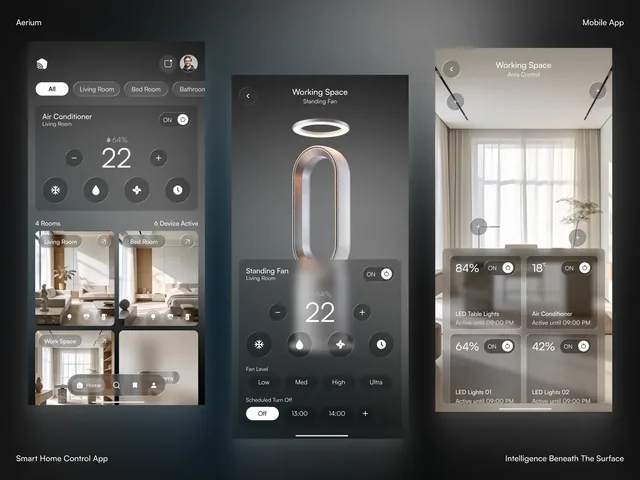
The best results come when UX and UI are designed together, not handed over like a relay baton. Structure informs the visual design, and the visual design reveals problems in the structure. You can see both layers meet in a climate control app like Aerium: what a person can adjust, and in which order, is UX; how the dial, modes and numbers look and respond is UI.
A useful check on any interface is Jakob Nielsen's ten usability heuristics, such as visibility of system status, consistency and standards, and error prevention. They give UX and UI a shared language for what good looks like.
How to brief a UI and UX project
A good brief makes both disciplines faster:
- Who the users are and what they are trying to do, in their words.
- The problem, not just the solution you have in mind.
- What exists today: screenshots, analytics, support questions, complaints.
- Constraints: platforms, devices, technology, deadlines and any accessibility requirements.
- How success is measured: sign-ups, completed tasks, fewer support requests.
Test early with a few people
You do not need a large study to find the biggest problems. Put a clickable prototype in front of a handful of people from your real audience, give them a task and watch where they hesitate. Do it before the interface is built, when changes are cheap, and again after launch to see how real use differs.
What it means for your project
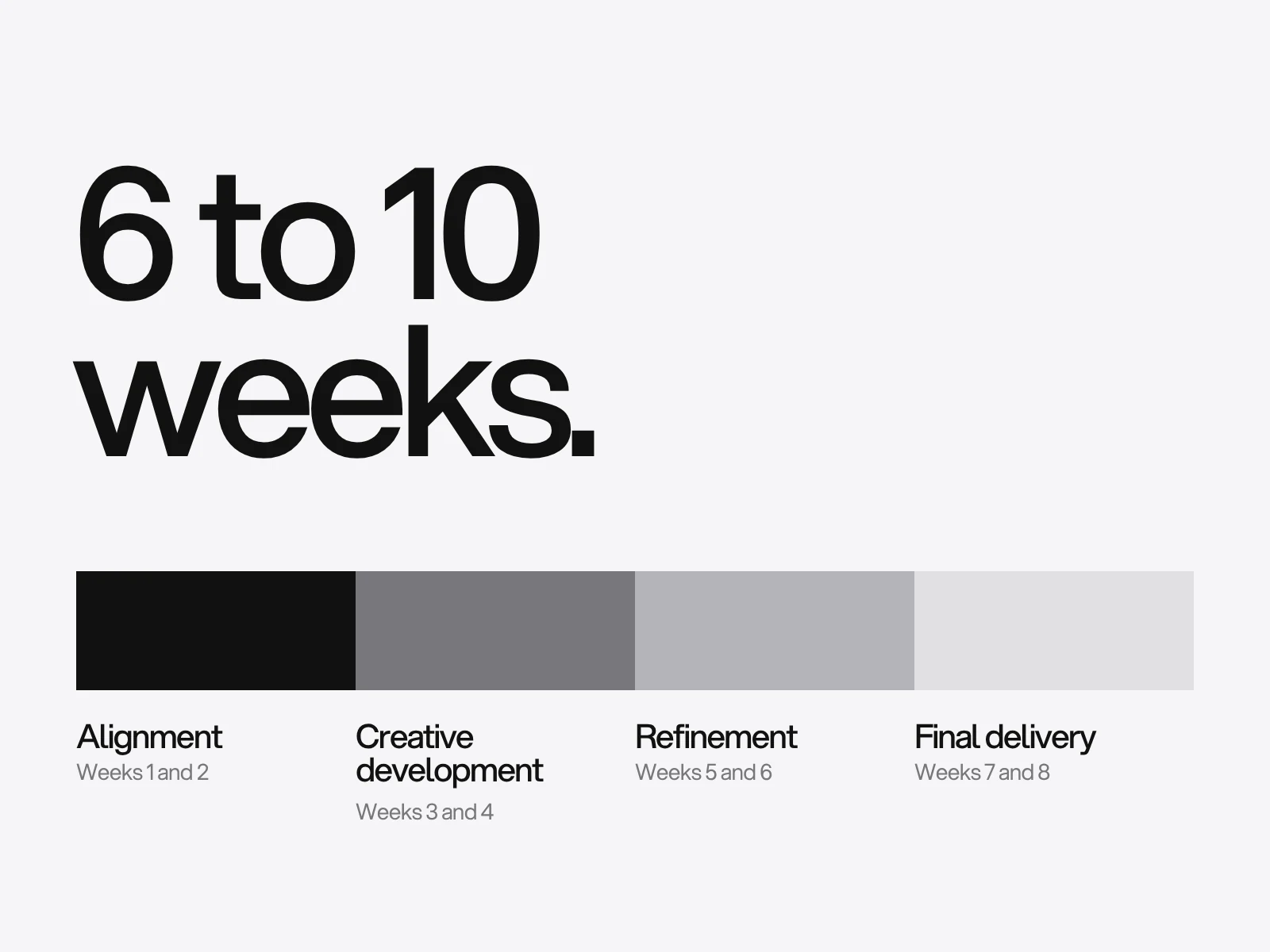
You rarely hire a "UX person" and a "UI person" separately from a studio like ours. Both are part of app and dashboard design and website design, which run through the same four phases: alignment, creative development, refinement and final delivery. Product design for desktop and mobile typically takes 8 to 12 weeks and delivers flows, prototypes and production-ready UI.
Bringing us a product idea or a screen that is not working? Send us a brief.
Frequently asked questions
Is UX or UI more important?
Neither works without the other. UX decides whether a product is useful and easy; UI decides whether it is clear, consistent and pleasant. A product needs both to succeed.
Who coined the term user experience?
Don Norman is widely credited with popularising it. He held the title of User Experience Architect at Apple in 1993.
Do I need both UI and UX for a website?
Yes, whether or not they are separate roles. Structure and flow (UX) and visual design (UI) both shape whether a visitor understands your offer and takes action.
What does a UX designer actually do?
A UX designer works on structure, flows and behaviour. Typical work includes research with real users, mapping journeys, defining the sitemap or navigation, sketching and wireframing screens, building clickable prototypes and testing them, so that people can do what they came to do quickly and easily.
How many people do I need to test a prototype with?
A handful of people from your real audience is enough to find the biggest problems. Give each a task on a clickable prototype and watch where they hesitate. Test before the interface is built, when changes are cheap, and again after launch to see how real use differs.
Sources and fact check
Facts in this article that come from outside LAIN were checked on 27 Oct 2026 against:
- Nielsen Norman Group: Don Norman
- Nielsen Norman Group: 10 Usability Heuristics for User Interface Design
Timelines, services and process described here are LAIN's own, as set out on our About and FAQ pages.
[ From our work ]
[ Keep reading ]